 중국 최고의 사무용 가구 잠금 장치, 사물함 잠금 장치 ODM/OEM 제조업체 – 메이크 자물쇠 회사

수영장에서, 체육관, libraries and other crowded places, the safe and convenient use of intelligent electronic locks is crucial. 실제 사용 중, it is necessary to follow a cabinet or a lock and a user to ensure that each user enjoys the security and privacy of the cabinet exclusively during use.
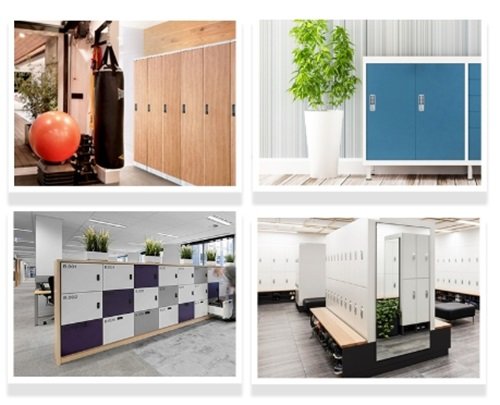
This often requires that 지능형 전자 자물쇠 have a fixed mode and a temporary mode.MK731 지능형 전자 자물쇠 switch between private mode and public mode freely, 각각, suitable for special use or shared by many people. 그래서, under the two modes, how to change the password of the 지능형 전자 자물쇠? What should users do? It has easy use to the locker.
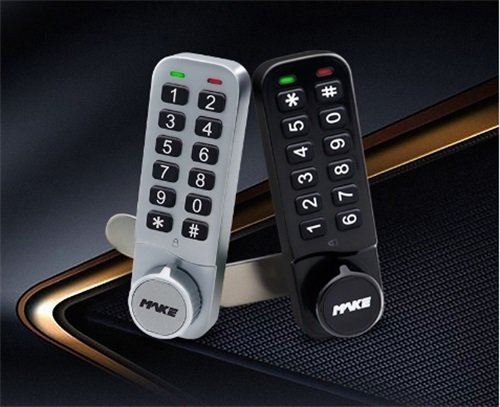
Fixed mode: Change the user password
On the MK731 지능형 전자 자물쇠, press the “*” key, enter the four-digit user password, then press the “#”key, input the new four-digit password, and then press the “#” key to end. If the new password can open the lock, the password is set successfully.
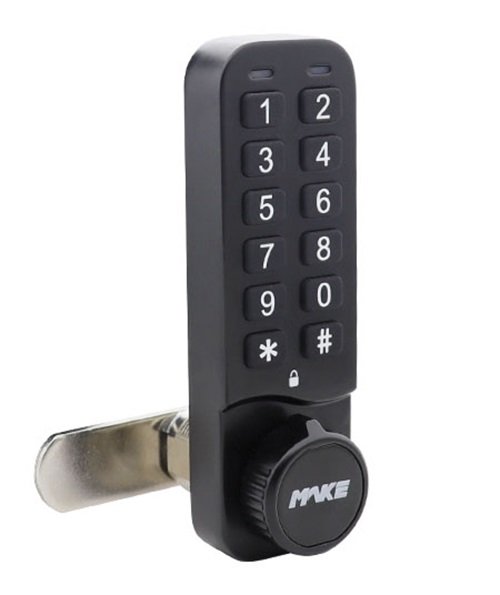
Temporary mode: Change the user password
Enter the four-digit password to set the user password, and MK731 will automatically lock after 3 초. Enter the user password to unlock, and the user password is cleared. The user password is valid once, and the lock will remain open until the next user enters the four-digit password.

How to MK731 지능형 전자 자물쇠 change from a fixed mode to a temporary mode? Administrator press the “*” key, input the management password and press the “#” key,then press 06, and finally press the“#”key to end. If you want the temporary mode changes to the fixed mode, you only need to change “06” to “07”, and the other steps are the same. After the green LED light flashes twice, a long “똑똑” 설정이 성공적임을 나타내는 소리.

요약하면, MK731 지능형 전자 자물쇠 비밀번호 변경은 매우 간단하다. 또한, 사용자가 비밀번호를 잊어버리면, 비밀번호를 변경해서 자물쇠를 여는 방법은 없다, 관리자는 마스터 키를 사용해 잠금을 열 수 있다. MK731이 지능형 전자 자물쇠 공공장소의 보관함에 적합한 자물쇠임을 알 수 있다.